Hi there,
This month brings two new ways to work with Cobot: inside Claude and ChatGPT, and with the Cobot Assistant directly in Cobot. Both are opt-in, so if you’d rather keep LLMs out of your workflow, Cobot works exactly as it does today.
Your data stays yours either way. The Assistant runs on an open model hosted in the EU, and Cobot doesn’t send personal details to an AI tool unless you choose to.
AI, Assistant and MCP
Cobot Admin Assistant (Beta)
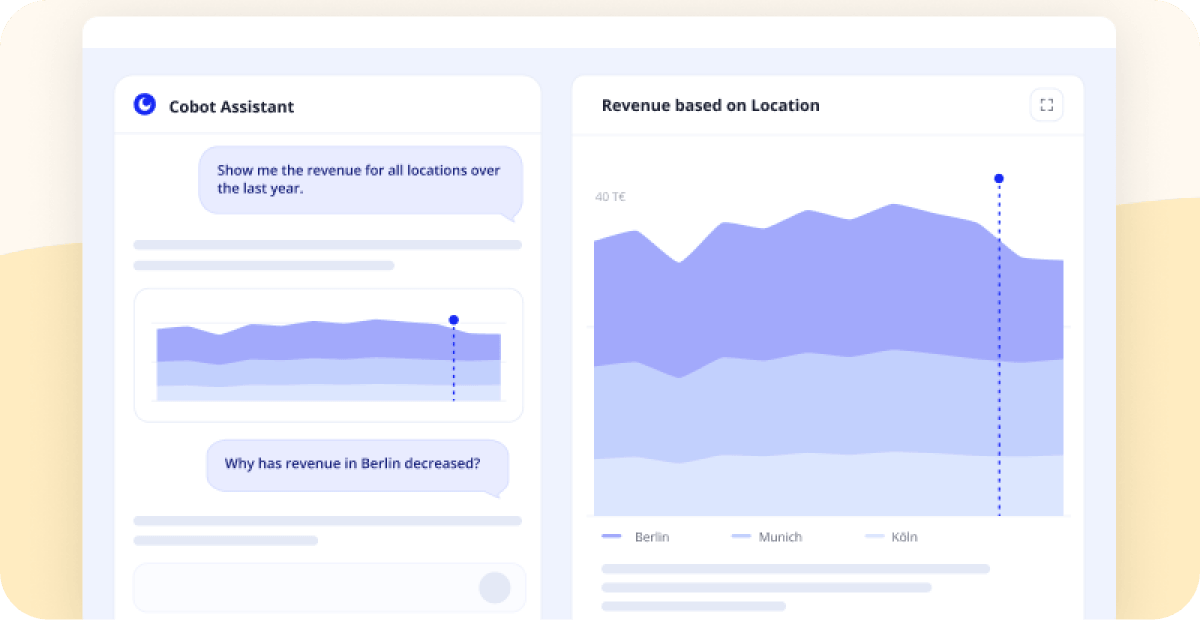
Ask a question in plain language, like how revenue developed per location, and the Assistant answers from your real Cobot data, with a chart and the numbers behind it. It flags what’s worth a look, like a location declining since August, and acts on it too, for example, sending payment reminders or making bookings.
The assistant is in beta, and we’re opening it up space by space. Optional during the beta and after, so spaces that prefer to work without it keep Cobot as it is.
AI Connectors and MCP Server
The Claude and ChatGPT connectors and the MCP server sit under Add-ons in your admin dashboard, with four new tools:
- Revenue – “How did October go compared to September?”
- Member search – look up a member by name
- Overdue invoices – “Which invoices are overdue?”
- Invoice reminders – tell the agent to chase a specific unpaid invoice
By default, Cobot doesn’t send personal details to an AI tool. Names and email addresses are swapped for placeholders. You can disable anonymization when setting up the connector.
KNOW YOUR CUSTOMER
Identity Verification with Regpit
If you need to verify member identities for KYC and anti-money-laundering rules, you can now do it inside Cobot with Regpit. Members start the verification from their dashboard, and Regpit runs the checks, including video ID and eID.
To set it up, you need a Regpit account and an API key from your Regpit dashboard. No additional costs in Cobot – Regpit bills you directly for verifications.
Rolling out this week.
PAYMENTS & INVOICING
Invoice Titles
Invoices in the admin section show their actual title, invoice, credit note or correction invoice, matching the PDF.
Correction Invoices Close the Original
A correction invoice for the full amount marks both invoices as paid through payment records, so the pair drops out of your open invoices.
Locking Invoices When Sent
Invoices can be locked the moment they go out, so nothing changes after a member has them. We switch this on per space. Contact our Support Team »
EU Reverse Charge
Spaces outside the scope of EU Reverse Charge can have it switched off, so it stops being applied to invoices. Contact our Support Team »
MEMBERS
Email Preferences
Members decide whether they get event announcements and birthday notifications. Three ways to unsubscribe: a page in the member section, the link in the email footer, or the button their email client shows.
Resuming an Unfinished Sign-up
Someone who starts signing up and leaves before choosing a payment method can pick up where they left off, from a link on their account page. Until they finish, the sign-up doesn’t appear for you to confirm, which keeps spam out.
INTEGRATIONS & API
DATEV
A new option takes the Erlöskonto from an invoice item’s accounting code.
Zapier
Membership search is available in your Zaps.
In Case You Missed It
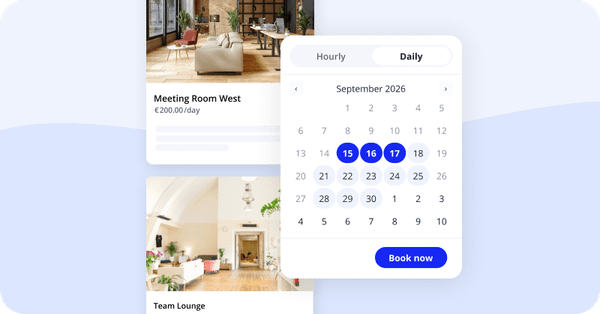
- Day-based Pricing – Rent resources to visitors by the day.
- Non-EU tax IDs – Members outside the EU can add theirs.
- Charges in Zapier – Add charges to members and teams.
- Admin-confirmed memberships – Webhook fires when you confirm.
- Stripe iDEAL – Available again at checkout.
Try the new features we introduced this month:
Help Us Make Cobot Better For You
Want to help us make Cobot even better for spaces like yours? Join our beta tester program! You’ll get early access to upcoming features and a direct line to our product team.
Just email support@cobot.me and let us know you’d like to be a beta tester.
See you next month!