Hi there,
This month brings contact details and maps to your public pages, plus Apple Pay and Google Pay. See everything that's new below, and try our new Cobot MCP – now in beta.
PUBLIC PAGES & EXTERNAL BOOKINGS
Contact details and a map
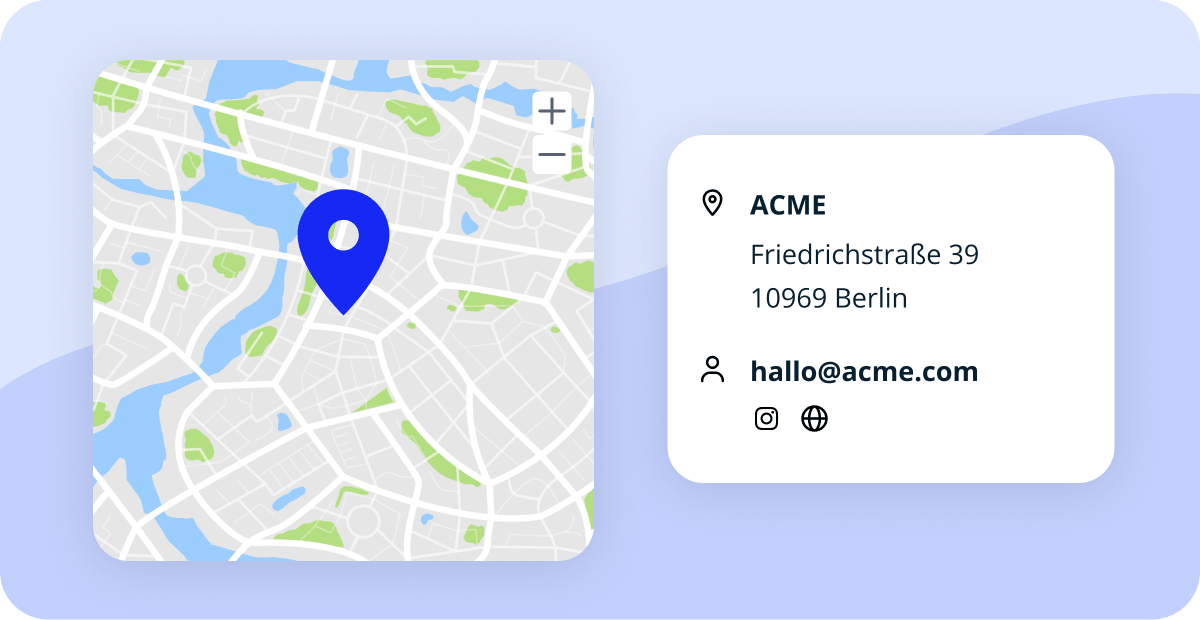
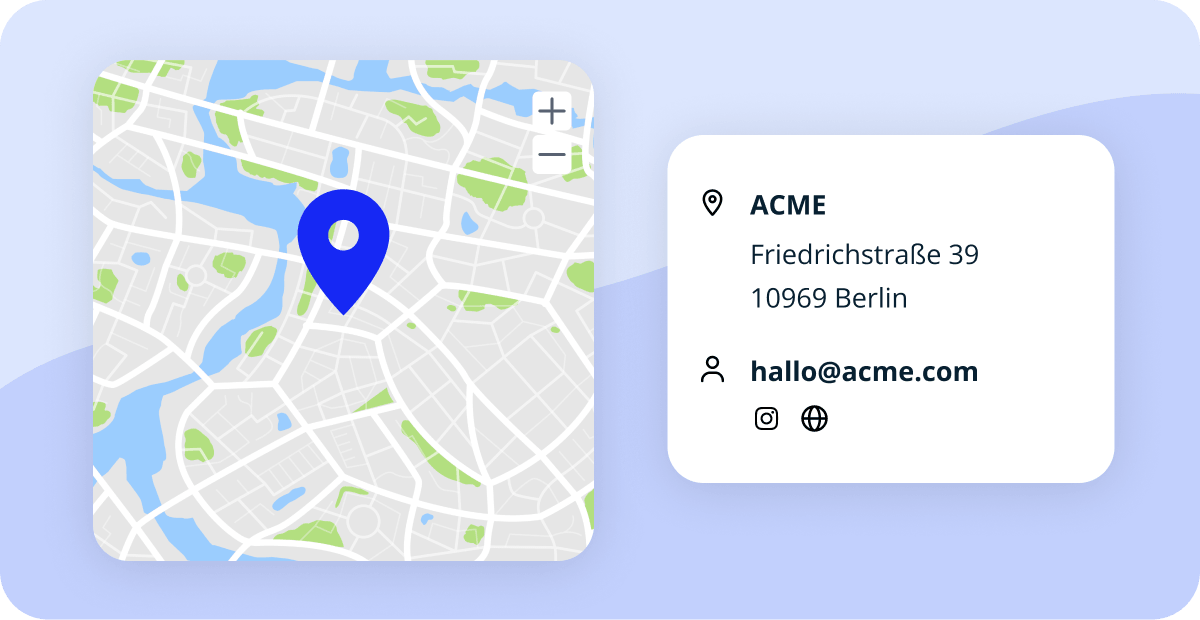
Your public pages show a contact card with your address on a map, your email, phone number, and social networks. Fill in the fields under Setup » Basic » Contact, the section previously called Profile.
Resource size, tags, and instructions for visitors
The resource list and checkout show each resource's area, so visitors know how much room they're getting. The tag filter starts with nothing selected, and clicking a tag narrows the list to that tag. Your visitor instructions also appear on the confirmation screen at the end of checkout.
Prefilled checkout for returning visitors
Visitors can save their contact details when they buy a drop-in pass or an event ticket, or book a resource on your public pages. The details stay in their browser and are ready the next time they come back.
See External Bookings in action
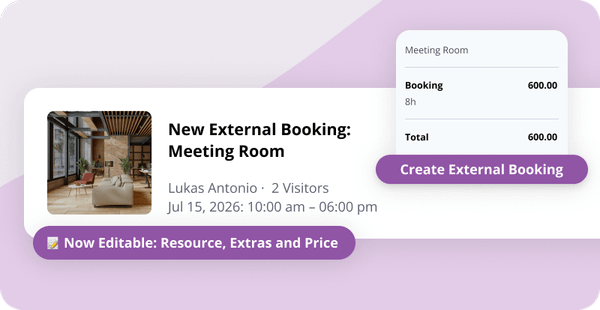
Our Support Team runs one-to-one demo sessions on External Bookings, from your public pages to the visitor checkout. Learn how to set it up and get your resources in front of visitors.
BOOKINGS
Availability filter in the mobile app
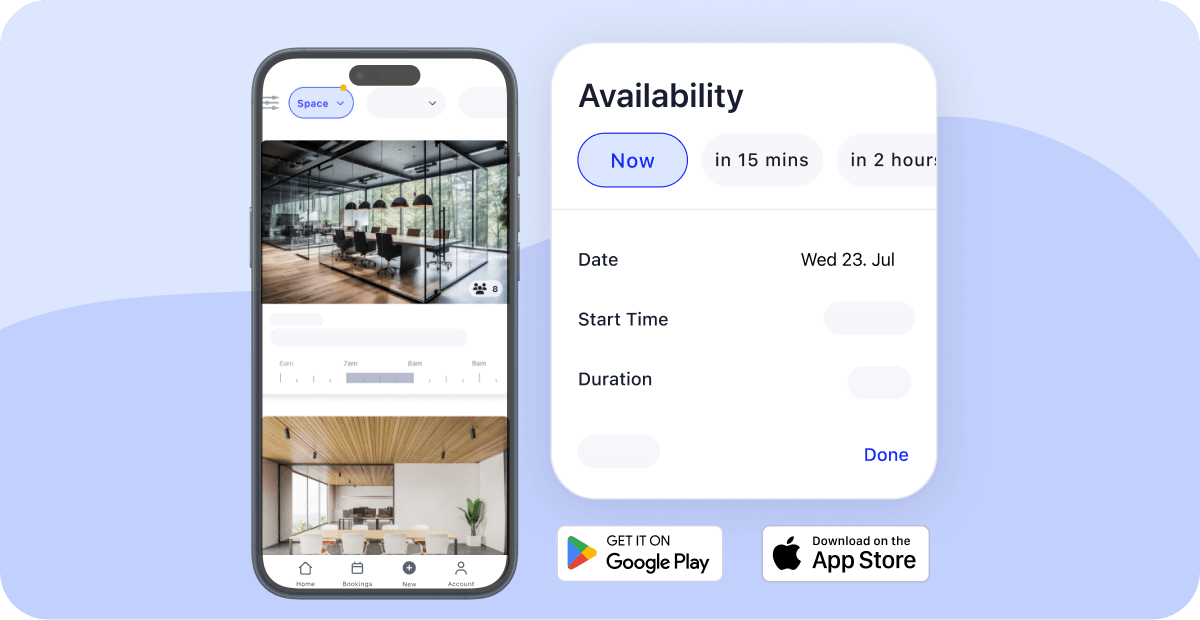
The booking page in the mobile app has an availability filter, so members see what's free before they pick. Their selection carries into the booking form.
Drag to book
Drag across the calendar or timeline to pick a time, and the booking dialog opens with that slot already filled in. Works for you and for your members.
PAYMENTS & INVOICING
Apple Pay and Google Pay
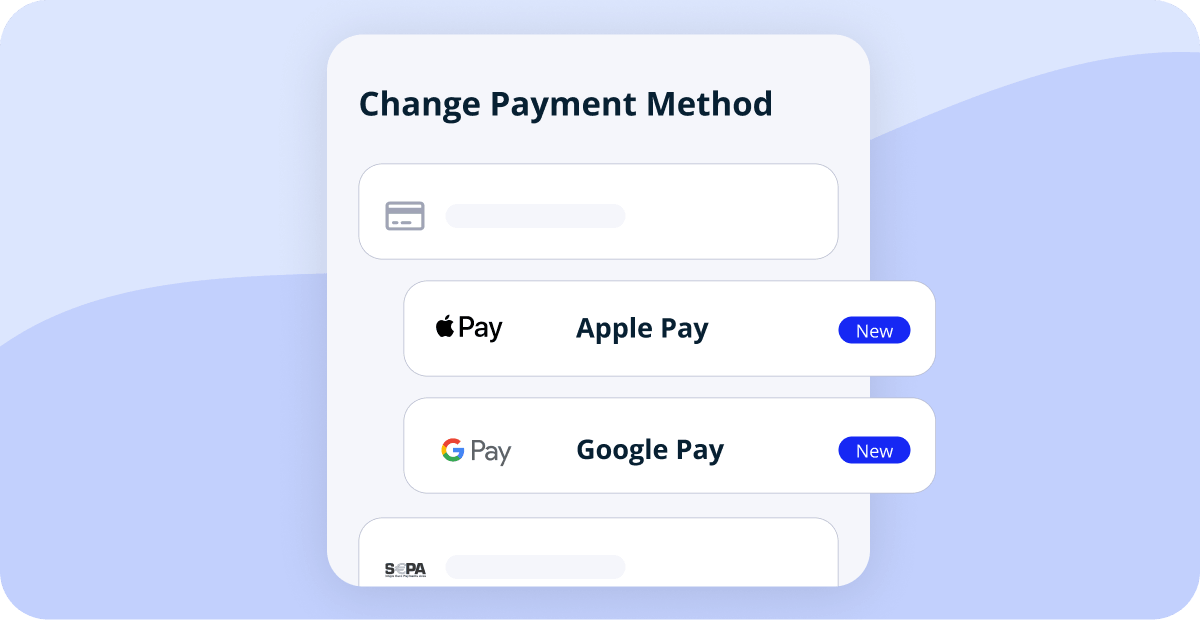
Every space on Stripe offers Apple Pay and Google Pay when members or visitors choose how to pay. One less form to fill in on a phone.
Contacts for free-form invoices
Creating a free-form invoice creates and links a contact at the same time, so the invoice turns up in that contact's invoice overview.
Invoicing refinements
A few smaller changes:
- Correction invoices for items at a 0% tax rate keep that rate, instead of falling back to your general tax rate.
- For Swiss spaces: invoices for 0 CHF or a negative amount no longer carry a QR code, since there's nothing to pay online.
- For sevDesk users: Cobot no longer sends the debitor number, so sevDesk assigns it with its own numbering.
- In German spaces, e-invoices are created automatically for customers in Germany. For customers in other countries, use the button to create one when you need it.
MEMBERS
Live prorated amounts at sign-up
The sign-up form recalculates the prorated amount while people fill it in. Changing the start date, adding or removing Plan Extras, or applying a discount code updates what's due for the days until the first regular payment.
Member questions from plans
Questions attached to a plan are asked during sign-up even if you haven't set up any questions at space level, and required ones stay required.
NETWORKS & MULTI-LOCATION
Network bookings
Members in networked spaces see the space name, and the booking link on their dashboard takes them straight where it should.
Invoices from the home space
Networks have a new setting called All automatic invoices come from home space. With it enabled, members of networked spaces are invoiced by their home space only, including for bookings they make at other spaces in the network.
API
API updates
Three additions for anyone building on the Cobot API:
- New webhooks fire when a resource or an allocation is added, updated, or removed.
- Charges created via the API can carry a cost center.
- Your space's open hours are available through API2.
BETA
Connect an AI assistant to your space
Manage your space in plain language with the new Cobot MCP server: "Which desks are free this afternoon?", "Book the meeting room for Jane tomorrow from 10 to 12". It works with assistants like Claude and ChatGPT. It's in beta and not an official connector yet, so setup takes a few manual steps.
In Case You Missed It
- External Bookings as admin – Make bookings yourself. Learn more »
- Discount codes for External Bookings – Fill slower weeks. Learn more »
- Categories for Products & Services – Sorted your way. Learn more »
Help Us Make Cobot Better For You
Want to help us make Cobot even better for spaces like yours? Join our beta tester program! You’ll get early access to upcoming features and a direct line to our product team.
Just email support@cobot.me and let us know you’d like to be a beta tester.
See you next month!